
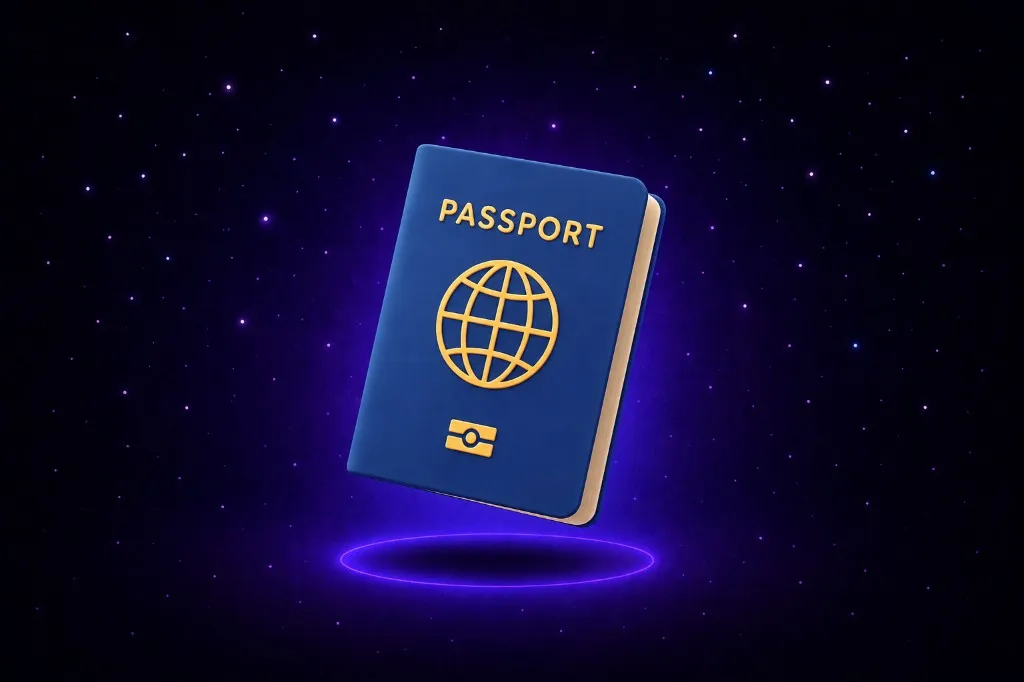
You tell the phone you hid the passport in the bedroom drawer. Months later you ask again, and it points at that drawer. Google’s September Android Drop, announced September 1, added that flow to Find Hub: you talk to Gemini, it stores the place, and you do not clip an AirTag or any other chip to the thing.
That is the whole trick. Find Hub is not watching the passport. It is keeping the sentence you said.
What Find Hub Saves When You Talk to Gemini
Google’s own example is almost too ordinary: “Hey Google, remember in Find Hub that I put my passport in my bedroom drawer.” You can add a photo. When you need the thing, you ask Gemini or open the remembered items tab in Find Hub.
The company named the objects people do not tag: a passport, a spare key. The Verge called it a way to find important items without attaching a tracker — the ones you stash and forget for months.
It is coming to phones on Android 16 and newer, in countries where Gemini and Find Hub are supported. Google said “soon,” not “today.”
This is not Gemini guessing from a photo, and not a map that invents a state name. You speak a location. Find Hub files it.
This Is a Note, Not a Tracker
An AirTag beeps when the bag moves. Find Hub does not. There is no radio in the passport.
If you move the booklet to the hall closet and never say so, the phone still sends you to the bedroom drawer. That is not a bug in the announcement. That is what a saved note does.
The remembered items tab is a list of last-known places you dictated — closer to a sticky on the fridge than to live tracking. Treat it like that and the feature is useful. Treat it like a GPS pin on the object and you will stand in the wrong room on the morning of a flight out of Atlanta.
The Phone Only Remembers What You Told It
This is the trust part, and it is smaller than it sounds. Find Hub is not guessing where the key “probably” is, and Gemini is not scanning the house.
The same models that invented a seahorse emoji will invent a location if you let them freewheel. This feature is safer only because the job is narrower: store the line you gave it, play it back later.
Safer is not the same as true. The drawer was true when you spoke. It stays “true” in the app after the world changed.
That is the pattern to watch if you run a shop. An assistant that only knows what you fed it will sound certain about last week’s hours, last month’s price, last quarter’s spare-key hiding spot. Certainty is not an update.
A Spare Key at the Shop Is the Same Habit
A salon in Decatur can tell Gemini the extra key is in the top left drawer. A contractor can log where the spare fob lives. Same voice command, same remembered tab.
The risk is not the phone. The risk is treating that tab as the current map of the business. Someone moves the key, nobody updates Find Hub, and the next person asks Gemini and walks to an empty drawer.
A human in the loop is the boring fix: a person checks the real place before the system is allowed to be the answer. That is as true for a chatbot on your site as it is for a passport.
If you want AI on the business — not a fridge note — it still needs a human eye on what it is allowed to remember. See how we build that. Get fifteen minutes on the calendar and bring one workflow you would not want an assistant to “remember” wrong.
The phone can remind you of the drawer. You still have to open it.
